
Cloud API inbox
Conversations, unread counts, and Meta webhook delivery status for connected accounts.
WhatsApp Business workspace
Manage customer conversations, organize your team, create message templates, and coordinate engagement from one connected TabTrips workspace — with delivery status from Meta webhooks.
Campaign drafts and automation builders are available for planning. Bulk sending and active automation runs are not available until enabled for your workspace. Property booking is not part of this console.
TabTrips is a WhatsApp Business workspace — not a hotel booking storefront. Capabilities below reflect what exists in the product today.
Conversations, unread counts, and Meta webhook delivery status for connected accounts.
Draft, validate, and manage templates. Meta approval is never invented in the UI.
Role-aware access, workspace switching, and last-owner protections where configured.
Campaign launch and active automation stay unavailable until they are enabled for your workspace.
Each section maps to a real TabTrips surface — with clear notes when a capability is not available yet.
Unified Inbox
Search threads, filter by unread or assignee, open a chat, and keep the contact panel bound to the selected conversation.
Start with inbox →Message Templates
Template Studio supports variables, header media previews, buttons, and review summaries. Saving a draft never claims Meta approval.
Open Template Studio →Messaging & delivery
Operators compose in TabTrips; delivery and read states arrive via Meta webhooks when connected. This animation is illustrative, not proof of a live send.
Open a workspace →Campaigns Planning
Guided drafts cover template selection, audience filters, validation, and cost preview. Bulk sending is not available until launch is enabled for your workspace.
Create a workspace →Automation Preview
The automation builder covers triggers, conditions, and actions. Active runs and AI auto-replies are not available until enabled for your workspace.
Read FAQ →API & webhooks
Abstract request and webhook cards show how events move between your workspace and Meta. No real keys, secrets, or internal endpoints are shown.
See how it works →Analytics
Inbound/outbound trends and status breakdowns come from messages stored for your workspace. Accepted is never shown as delivered.
View analytics →Business connections
Connection flows guide operators through setup. Meta Embedded Signup runs only when your environment is authorized — this page never pretends a number is already connected.
Create account →Team & wallet
Invite teammates, change roles with last-owner protection, and review wallet balances when authorized. Demo wallet credits are labeled — payments never claim success without verification.
Get started →Switch between surfaces without leaving the page. Descriptions match implemented TabTrips modules.
Conversation list, chat timeline, care-window banner, and a contact panel that stays tied to the selected thread.
Library, editor, WhatsApp-style preview, and validation — drafts stay drafts until Meta review completes outside this UI.
Audience preview and cost estimates for planning. Bulk sending is not available until launch is enabled for your workspace.
Build triggers and actions you can review. Active workflows are not available until enabled for your workspace.
Seven-day volume and delivery from your workspace events. When there is no data yet, charts stay empty.
Illustrative customer moments — ads to chat, order updates, flows, and conversational commerce. These visuals are examples of the product experience, not your workspace metrics or customer data.
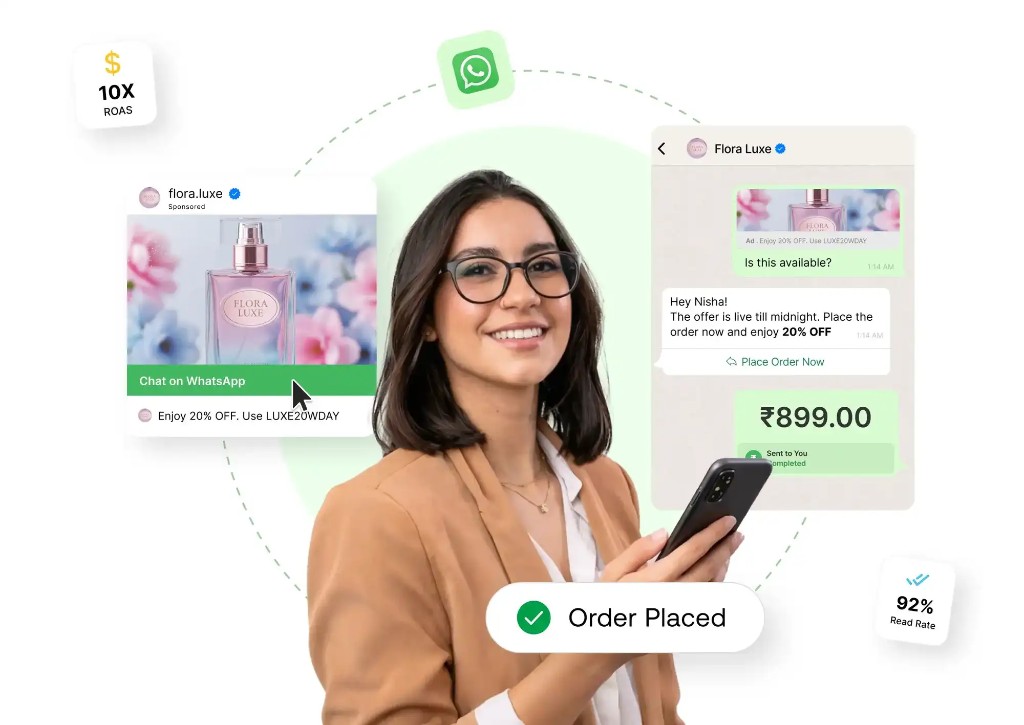
Ad → chat → offer → order confirmation in one conversation thread.
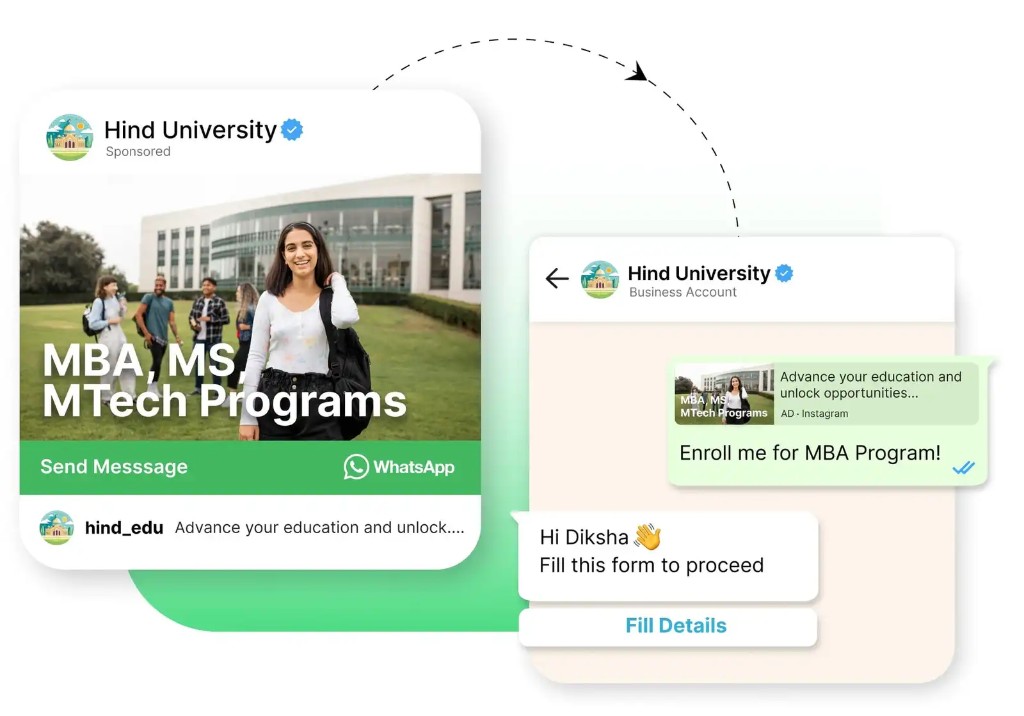
Sponsored “Send Message” CTAs land prospects in a business WhatsApp thread.
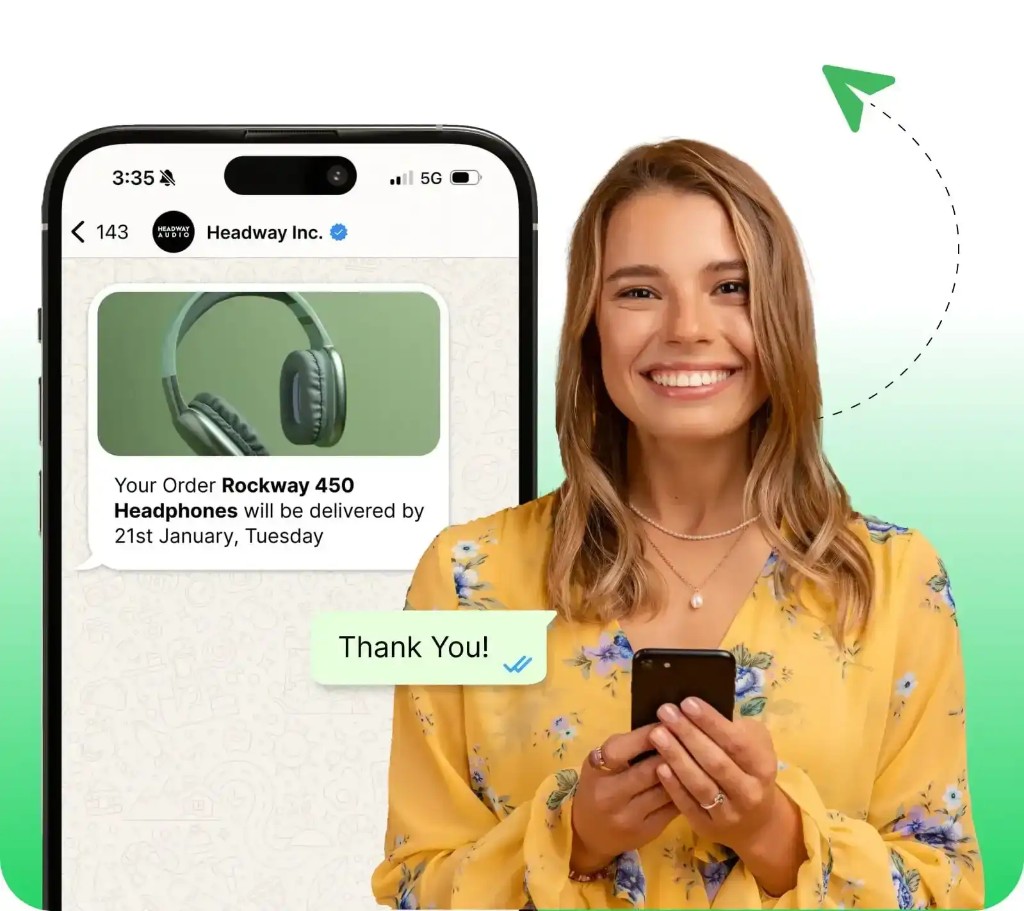
Rich order and delivery messages customers already expect on WhatsApp.
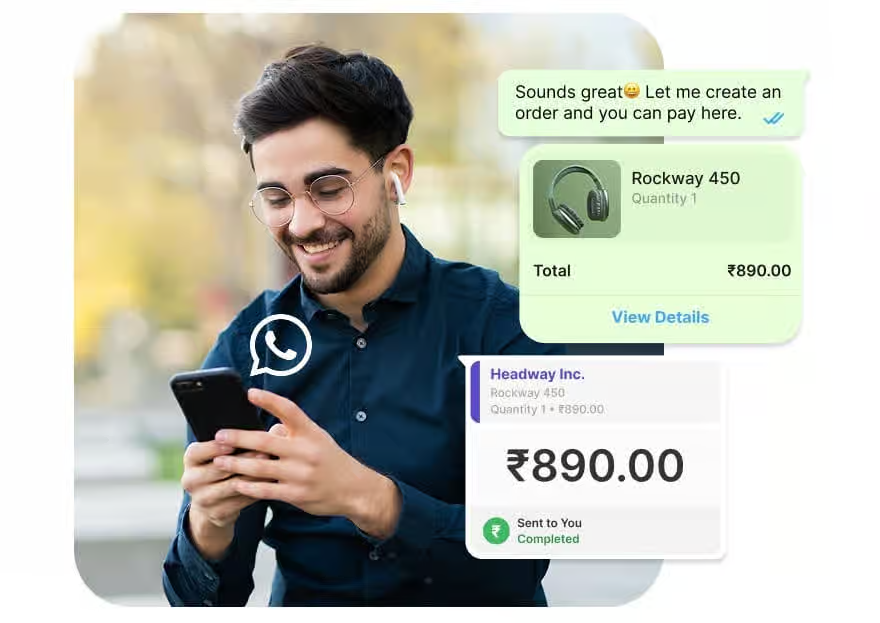
Product cards, totals, and payment status surfaced in the conversation.
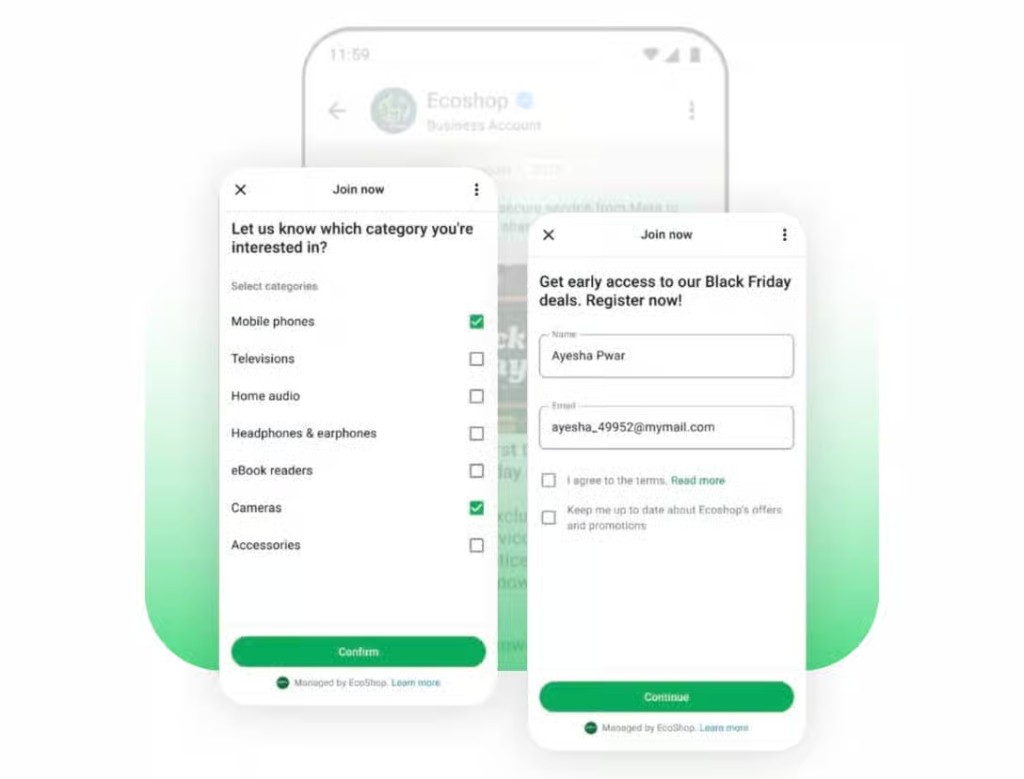
Structured Flows capture interest and details without leaving WhatsApp.
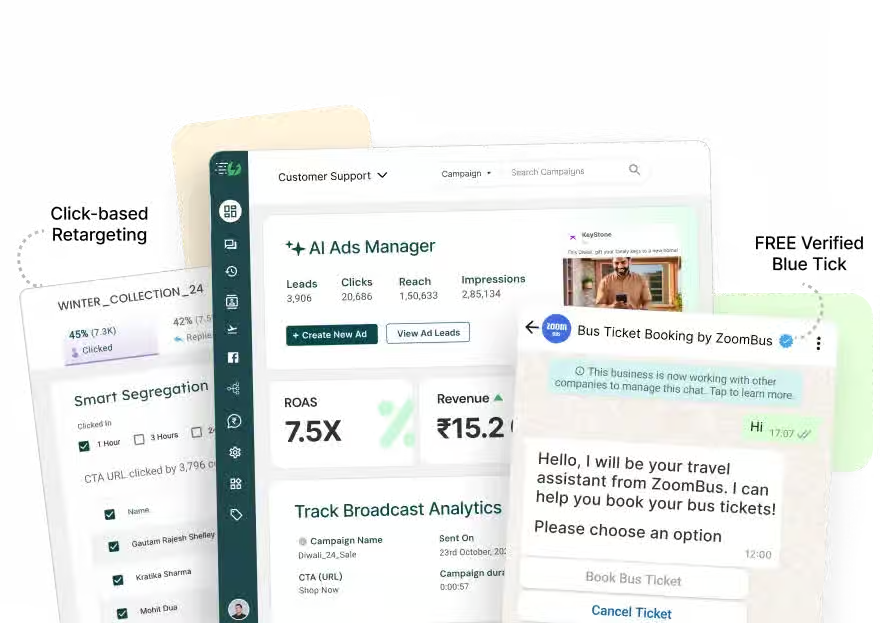
Inbox, campaigns planning, and chat context side by side for your team.
A practical path from account to connected WhatsApp workspace.
Sign up with email OTP or sign in with an existing operator account (Google Sign-In when configured).
Invite teammates, assign roles, and keep each workspace’s data separate.
Complete Meta Embedded Signup when available for your environment. TabTrips verifies your assets before activation — connection status always reflects a real check.
Draft templates, create labels, and prepare quick replies for your team.
Work the inbox with care-window awareness. Use campaigns and automation for planning until those features are enabled for your workspace.
Straightforward answers based on the current TabTrips WhatsApp console.
TabTrips is a WhatsApp Business workspace for operators: inbox, templates, connection onboarding, analytics from local events, and planning tools for campaigns and automation.
Teams that already use or plan to use WhatsApp Cloud API for customer messaging — travel desks, support teams, and operators who need tenant isolation and delivery visibility.
After sign-in, use Integrations / Connect Workspace with Meta Embedded Signup when your environment is authorized. Connection is confirmed only after server-side verification.
No. Template Studio can draft and validate locally. Submission and approval follow Meta’s process; the UI does not invent approval statuses.
You can create and review drafts. Bulk sending and active automation runs are not available until they are enabled for your workspace.
Public plan cards are not published on this page yet. Sign in to review workspace billing context when configured, or discuss requirements after creating an account.
Conversations and metrics are scoped by tenant. Operators only see workspaces they are authorized for; platform admin tools are separate.
Create an account or sign in to your existing TabTrips operator workspace.